03-APP升级系统权限
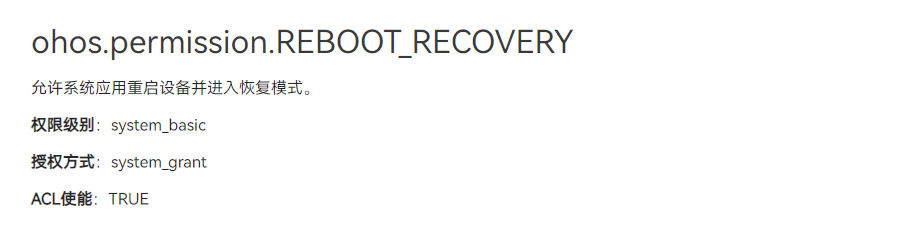
1.2 升级权限
选择为Openharmony SDK开发环境
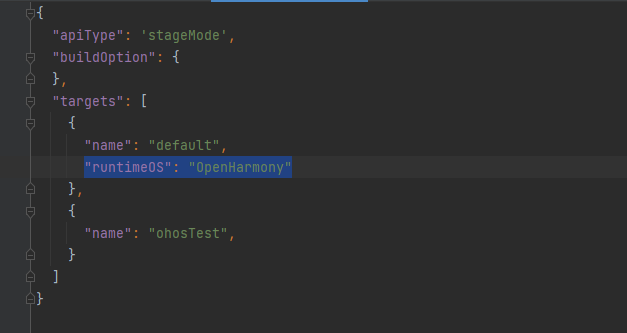
应用项目内build-profile.json5 声明 “runtimeOS”: “OpenHarmony”
升级App为system权限
调用system相关api,如`power.reboot(‘reboot_test’)`,需要system权限。资料相对比较分散,甚至遇到一些问题。以下是配置system权限的步骤
升级APP为system权限需要修改两个位置,一是DevEco Studio里添加requestPermissions,二是OpenHarmony sdk里配置为system。下面以重启接口`power.reboot(‘reboot_test’);`为例。
DevEco Studio 相关业务代码里使用接口:
try {
  console.info('onPageShow reboot start.');
  // @ts-ignore
  power.reboot('reboot_test');
} catch(err) {
  console.error('reboot failed, err: ' + err);
}
2. module.json5里增加权限`ohos.permission.REBOOT` .. code:
"module": {
    -----
    "requestPermissions":[
      {
        "name" : "ohos.permission.REBOOT"
      }
    ]
    ----
}
OpenHarmony sdk修改UnsgnedReleasedProfileTemplate.json文件,文件地址例如:
C:\Users\smt\AppData\Local\OpenHarmony\Sdk\10\toolchains\lib\UnsgnedDebugProfileTemplate.json
C:\Users\smt\AppData\Local\OpenHarmony\Sdk\10\toolchains\lib\UnsgnedReleasedProfileTemplate.json
bundle-name为自己的包名,”apl”:”system_core”, “app-feature”:”hos_system_app”
"bundle-name":"com.smdt.ostools.agingtest",
"apl":"system_core",
"app-feature":"hos_system_app"
删除应用内的签名信息
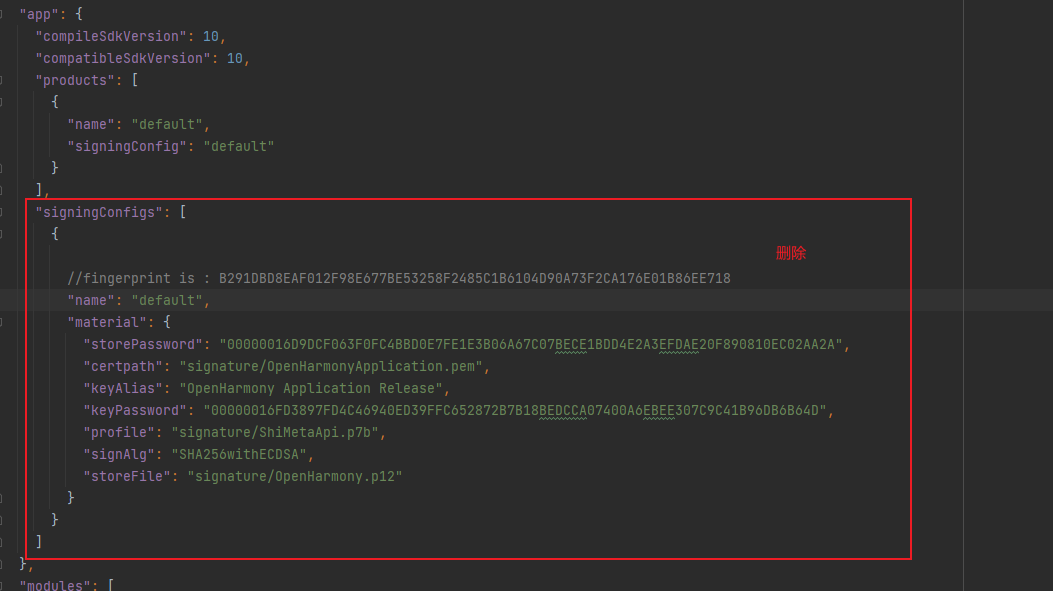
重新生成签名 .. image:: media/c1a97e89-e903-492a-bc42-032c4347beb1.png
重新签名后运行应用,检查应用权限.
bm dump -n com.example.mydemo |grep system